🔗 Integrating SpringVerify with PocketHRMS

Overview:
SpringVerify has developed integrations with PocketHRMS, enabling seamless handling of employee verifications for your organization. This integration simplifies and automates the background verification process within PocketHRMS’s platform.
🌟 Benefits
Seamless handling of employee verifications
Automated workflows, fewer manual steps
Access to SpringVerify dashboards, reports, and FAQs directly in PocketHRMS
⚙️ How to Enable the Integration
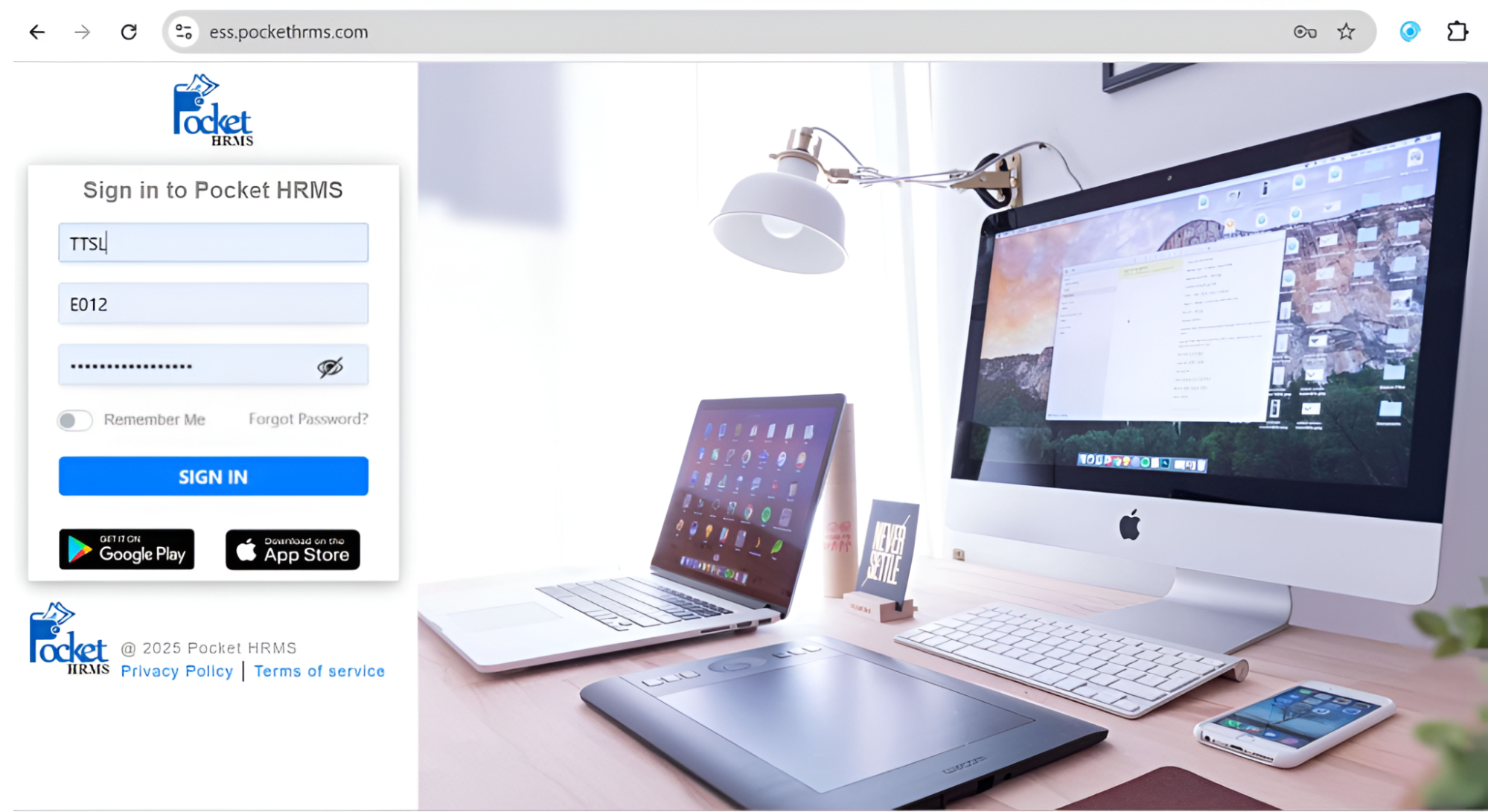
1. Log in with your Super Admin account on PocketHRMS.
2. On the Homepage, click on the Marketplace icon.
3. Search for SpringVerify and click Add to activate it.
4. Once activated, log in with your Admin account.
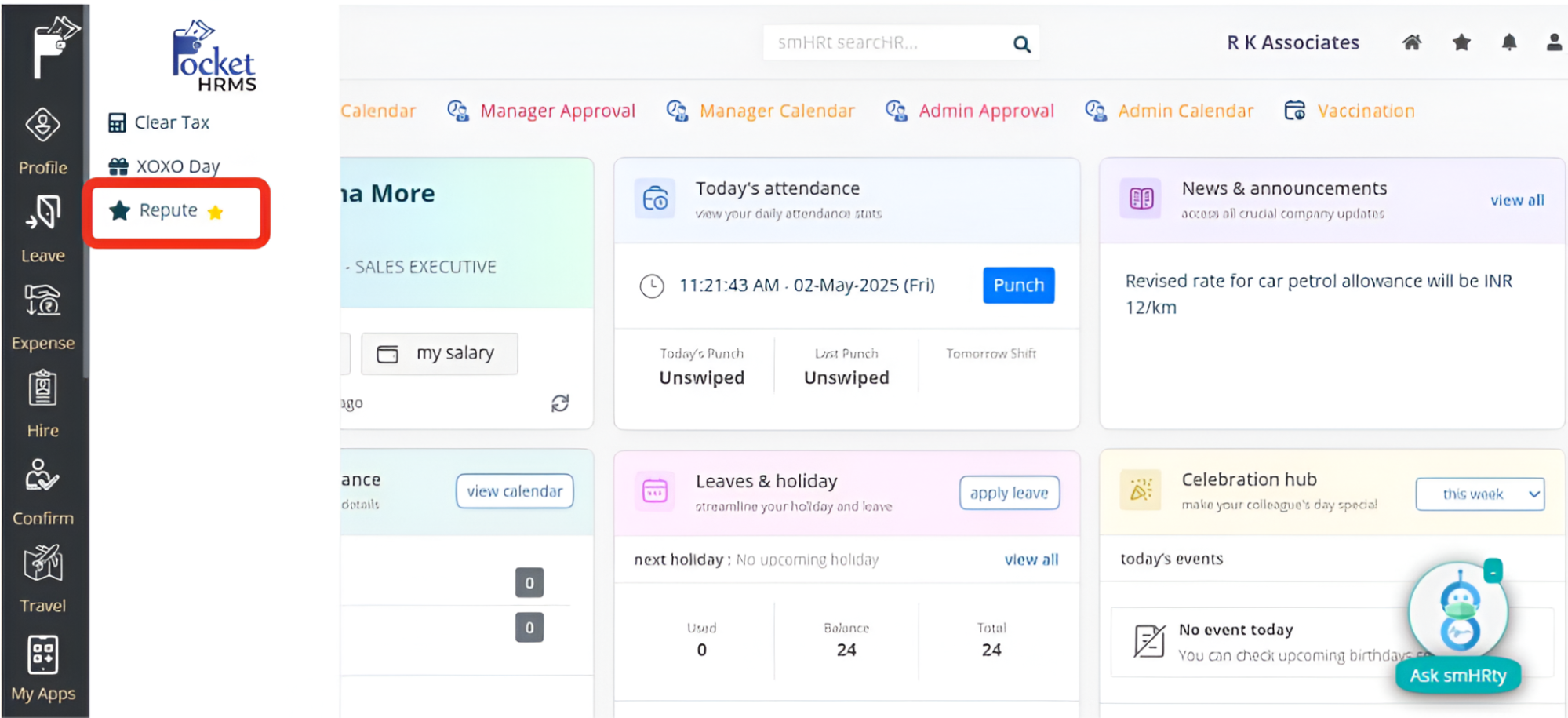
5. Go to My Apps → Repute, where you’ll see SpringVerify listed.
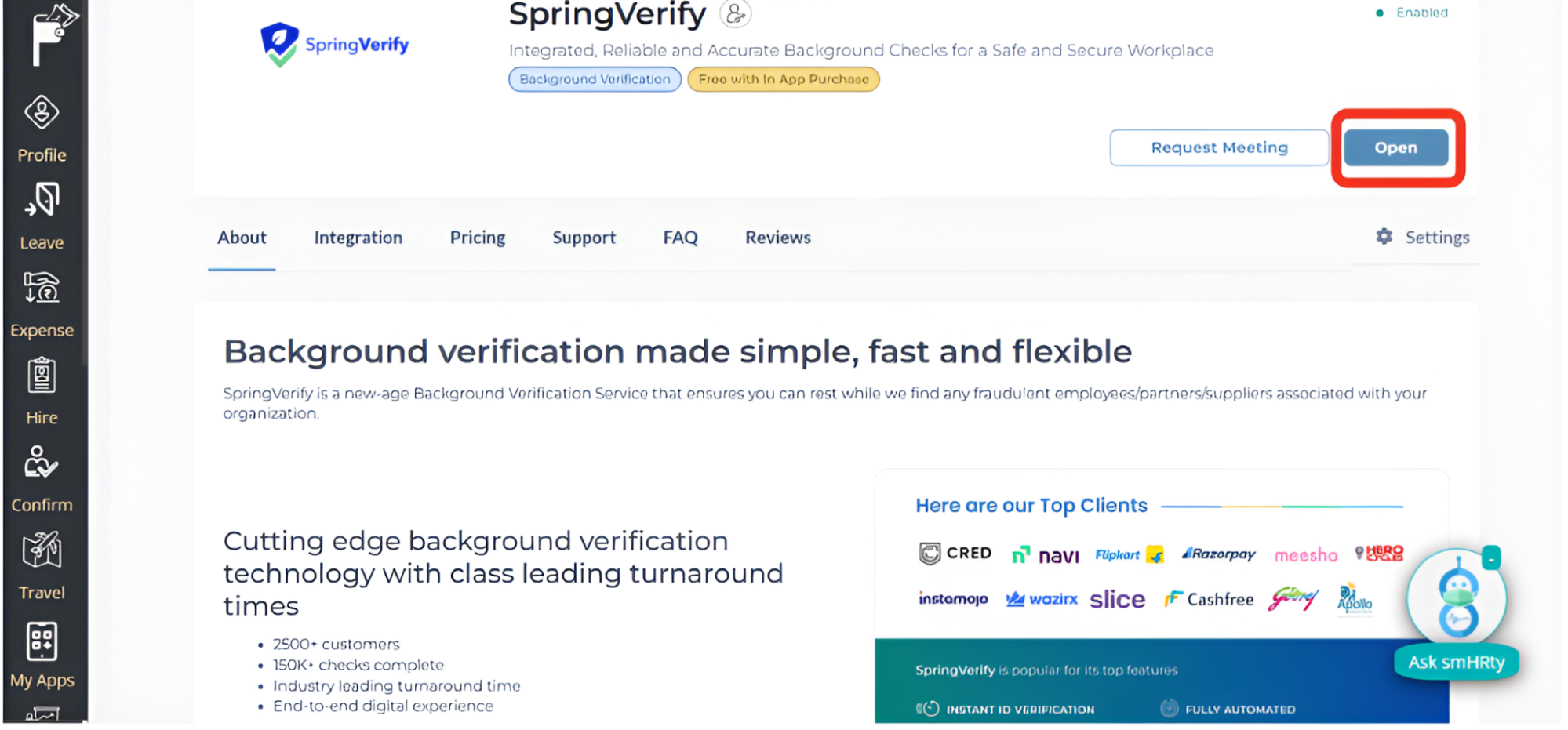
6. Click Open to access the SpringVerify dashboard, product details, support, and FAQs.
 Note: After activation, our team will reach out within 48 hours to complete the setup. Once done, you’ll have full access to SpringVerify inside PocketHRMS.