Integration of SpringVerify with JumpCloud
Overview:
SpringVerify IN has developed integrations with JumpCloud, enabling clients to use the API key and API base URL from the JumpCloud platform. This integration facilitates a streamlined and automated approach to conducting the background verification processes within the JumpCloud environment.
Note: Data will be fetched from JumpCloud within 10 minutes to initiate background verification
—--------------------------------------------------------------------------------------------------------
Steps to Generate API Keys for Your JumpCloud Account:
Log into the JumpCloud Admin Console.
Navigate to the username drop-down located in the top-right of the console.
Retrieve your API key from API settings.
Steps to Integrate JumpCloud with SpringVerify IN:
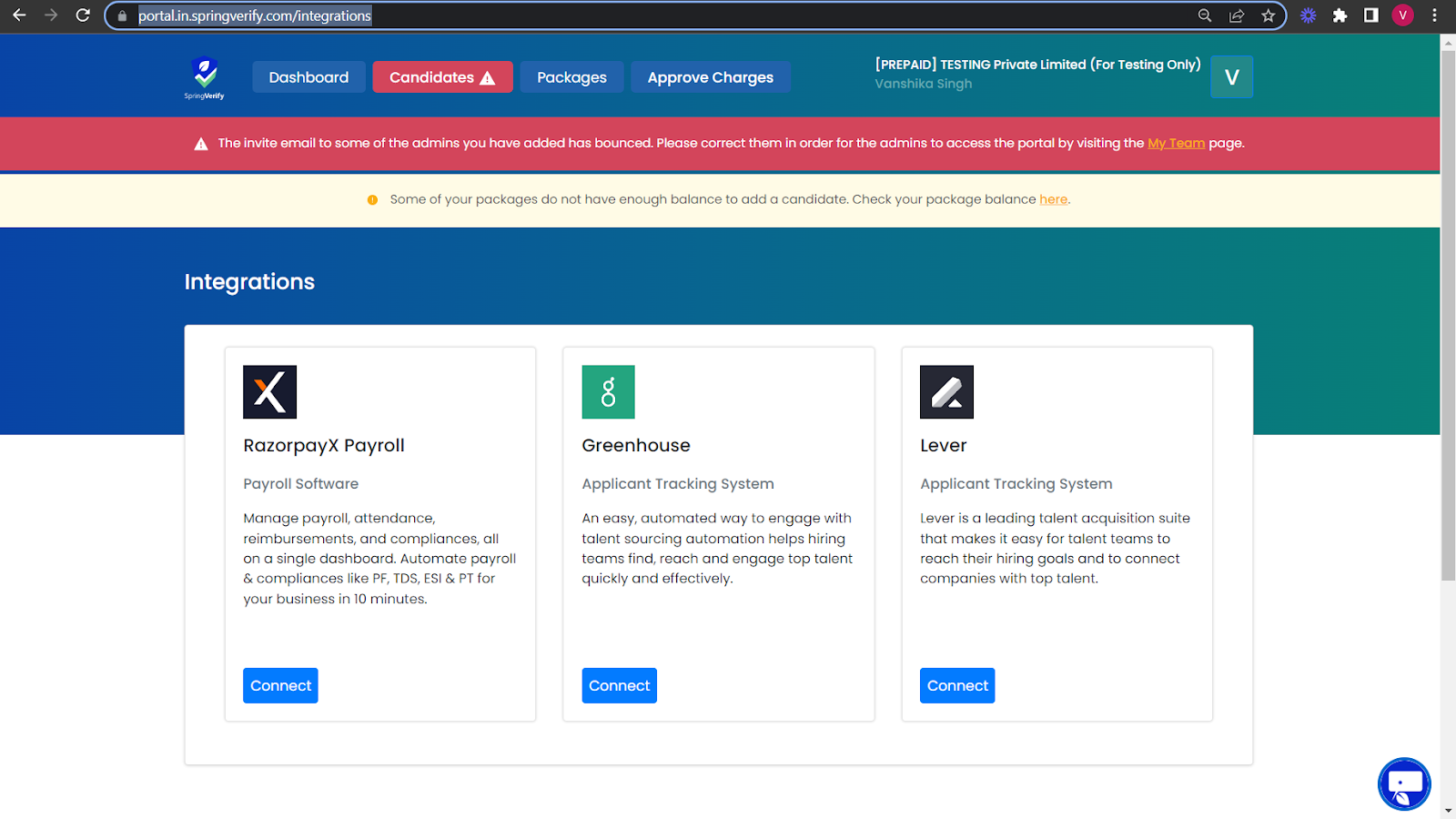
Visit the SpringVerify IN integration page by navigating to the following URL - https://portal.in.springverify.com/integrations. Here, clients can view all available integrations along with the steps required for each.
Locate the JumpCloud card and proceed to open it.
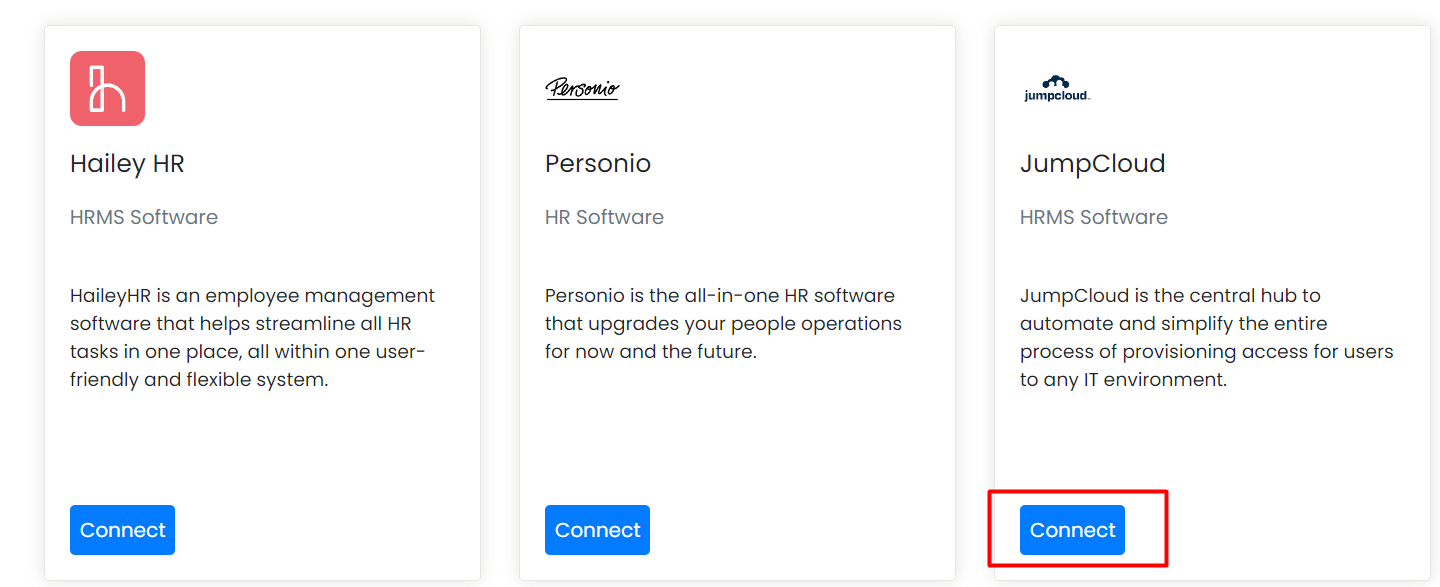
JumpCloud Integration
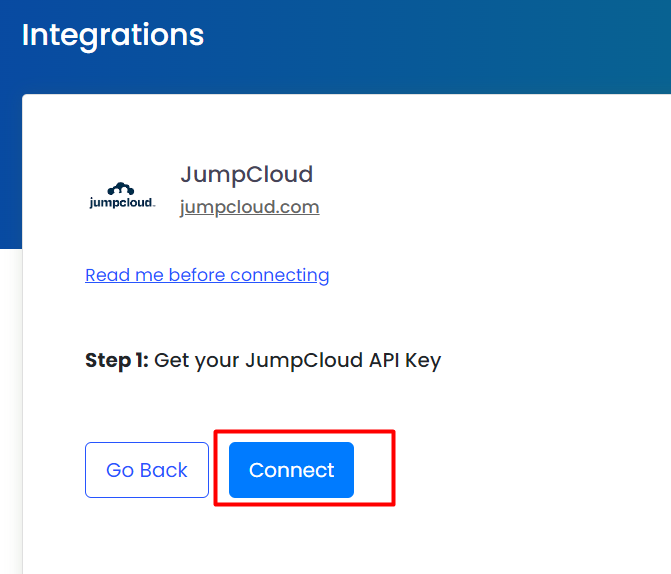
4a. If the company has one subtype:
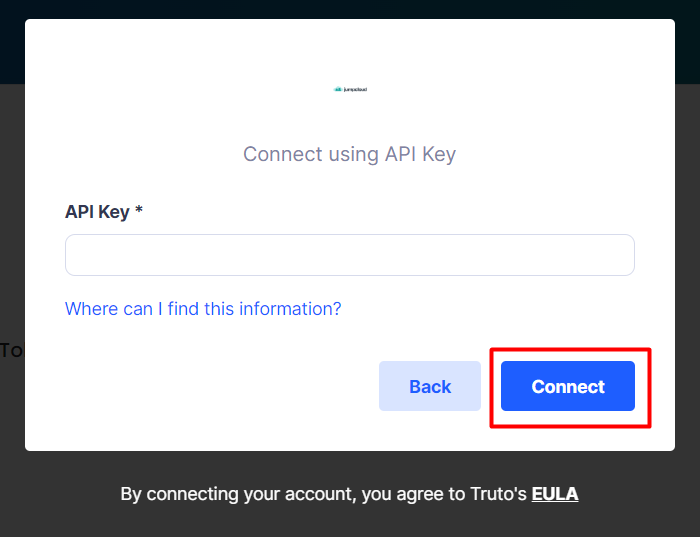
Enter JumpCloud API key and click on ‘Connect’.
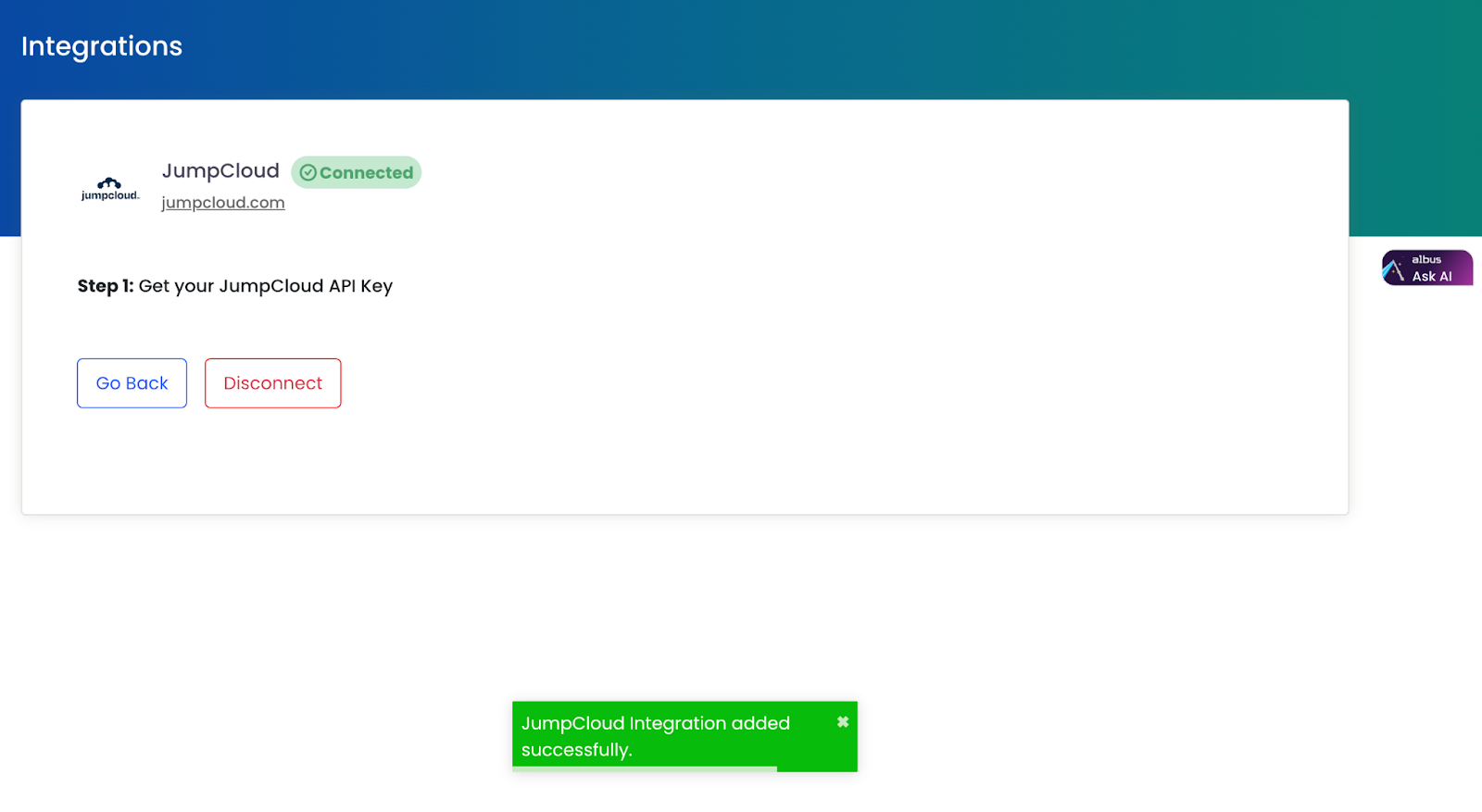
The user will receive the message ‘Successfully connected’.
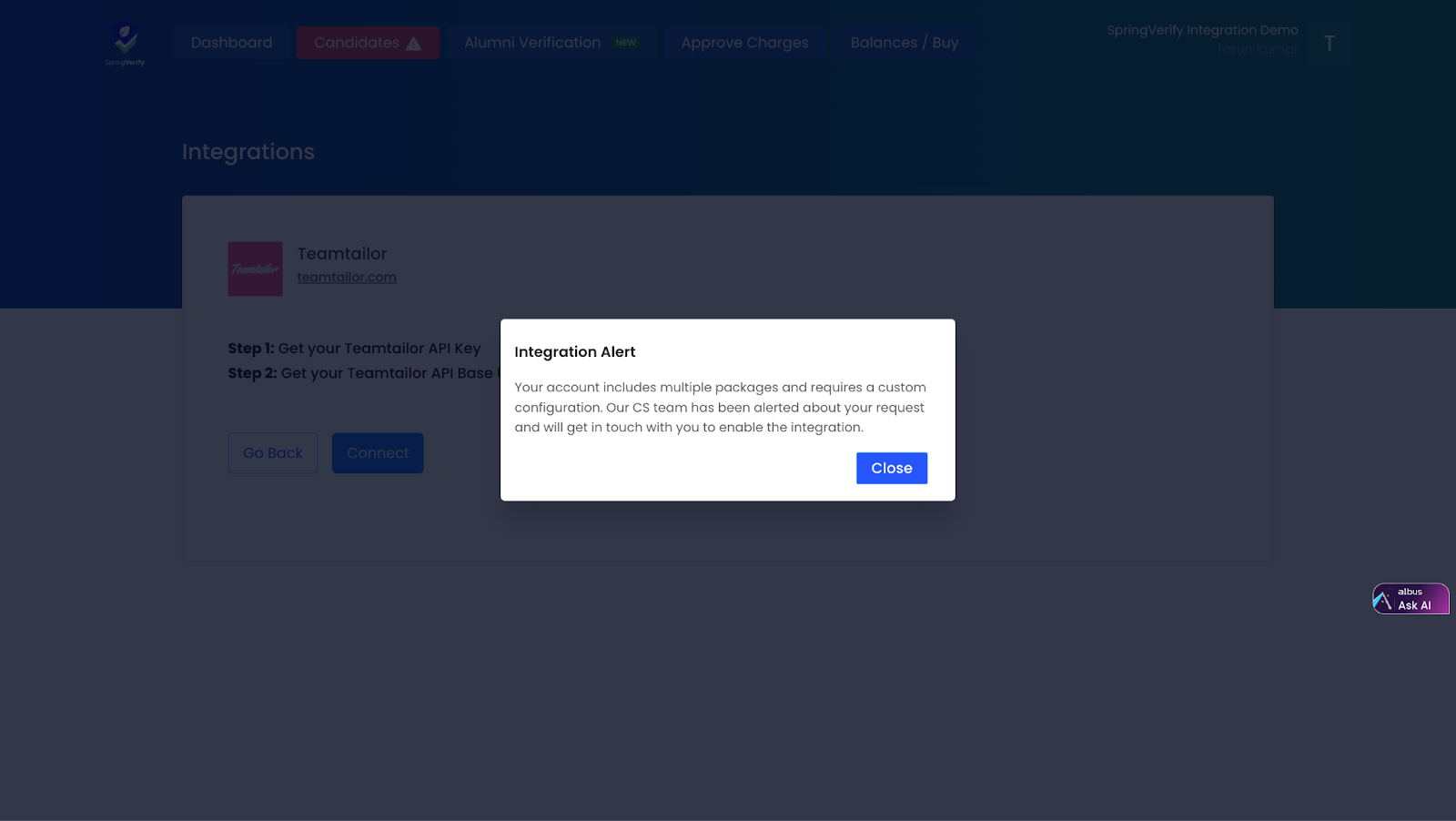
4b. If the company has multiple subtypes assigned, a modal pops up.
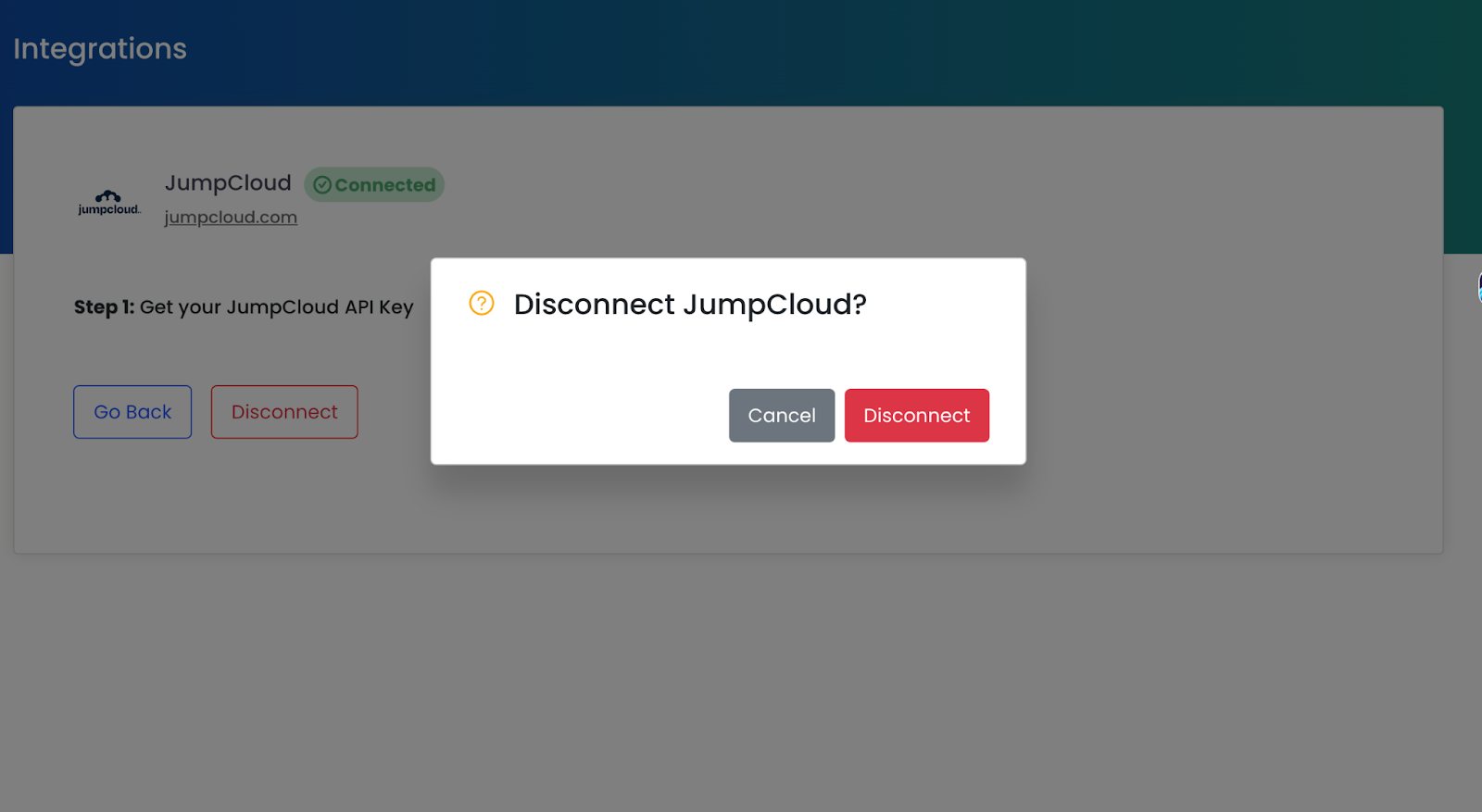
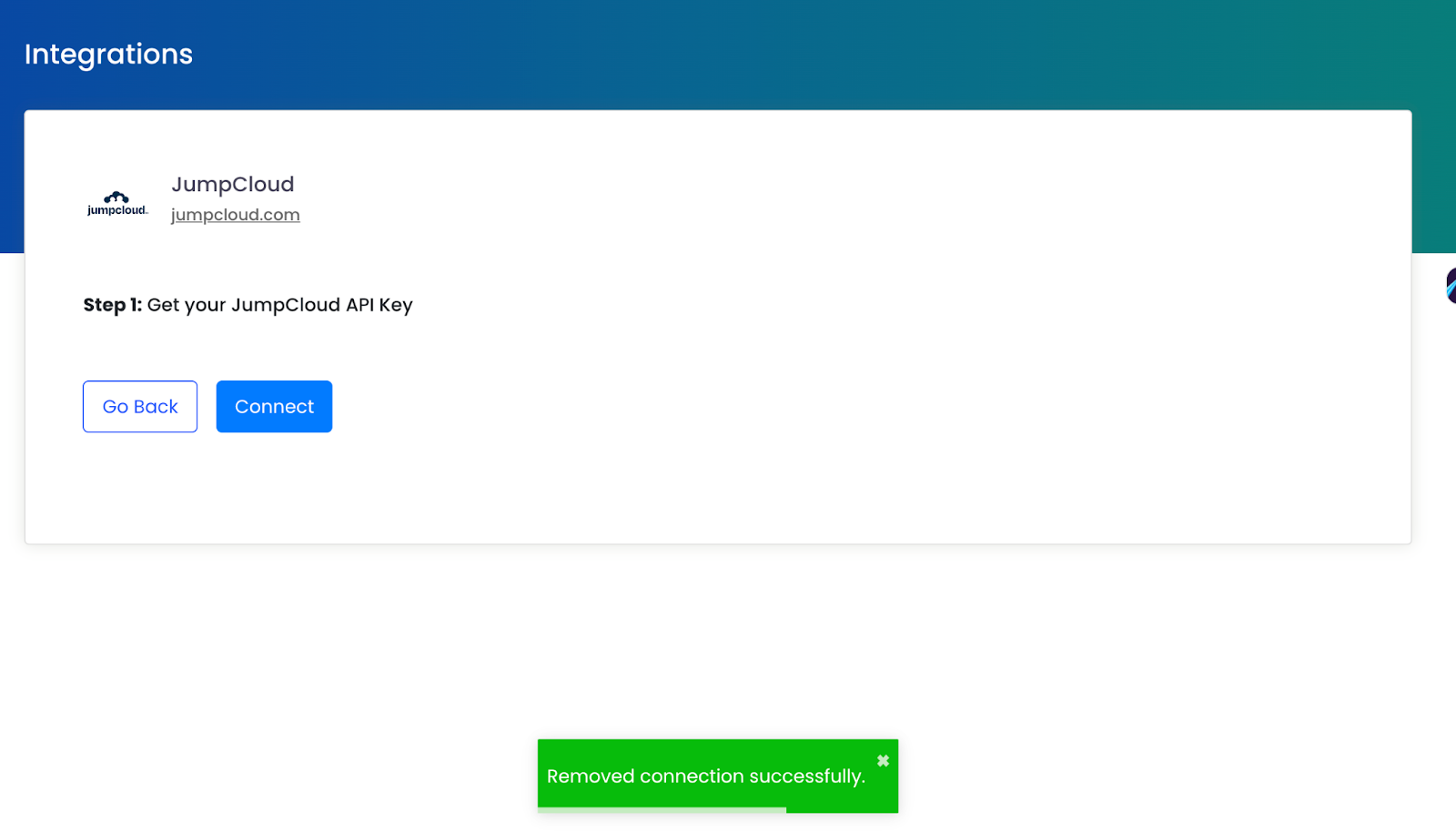
Click on the ‘Disconnect’ button, and the integration will be successfully deactivated.