What are Candidate Analytics?

Overview
SpringVerify Candidate Analytics refers to the data-driven insights and reporting tools built on top of SpringVerify’s background verification and screening processes. It helps recruiters, HR teams, and hiring managers to get a snapshot of their entire BGV process—showing verification progress, pending actions, risk flags, turnaround times, and overall candidate status in one place.
SpringVerify Candidate Analytics refers to the data-driven insights and reporting tools built on top of SpringVerify’s background verification and screening processes. It helps recruiters, HR teams, and hiring managers to get a snapshot of their entire BGV process—showing verification progress, pending actions, risk flags, turnaround times, and overall candidate status in one place.
It turns BGV data into simple, actionable insights, helping teams hire faster, stay compliant, and maintain complete visibility across all candidate checks.
How to view Candidate Analytics and what it means?
1. Log in to your SpringVerify portal
2. Access Candidate Analytics from left navigation
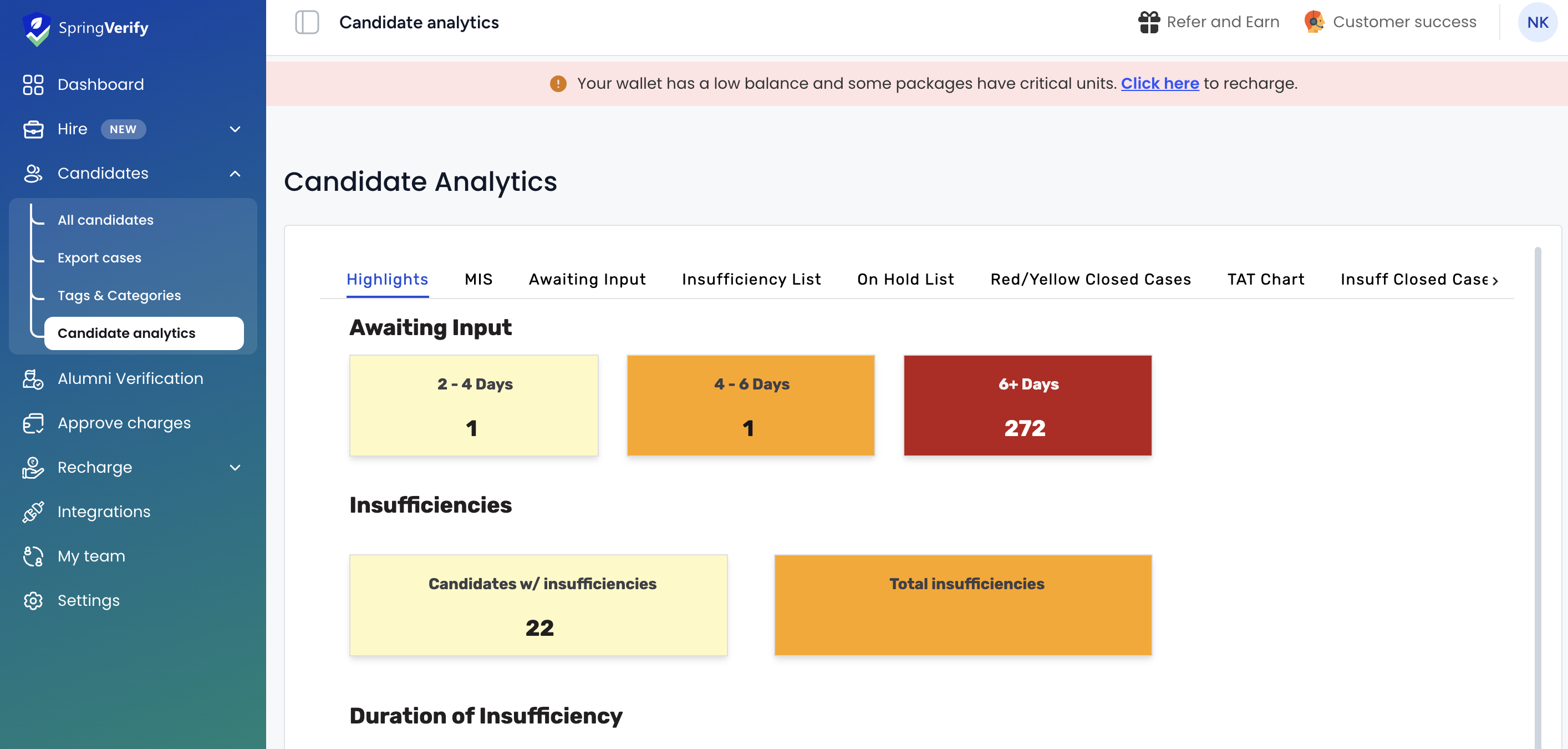
3. This is the page that will open
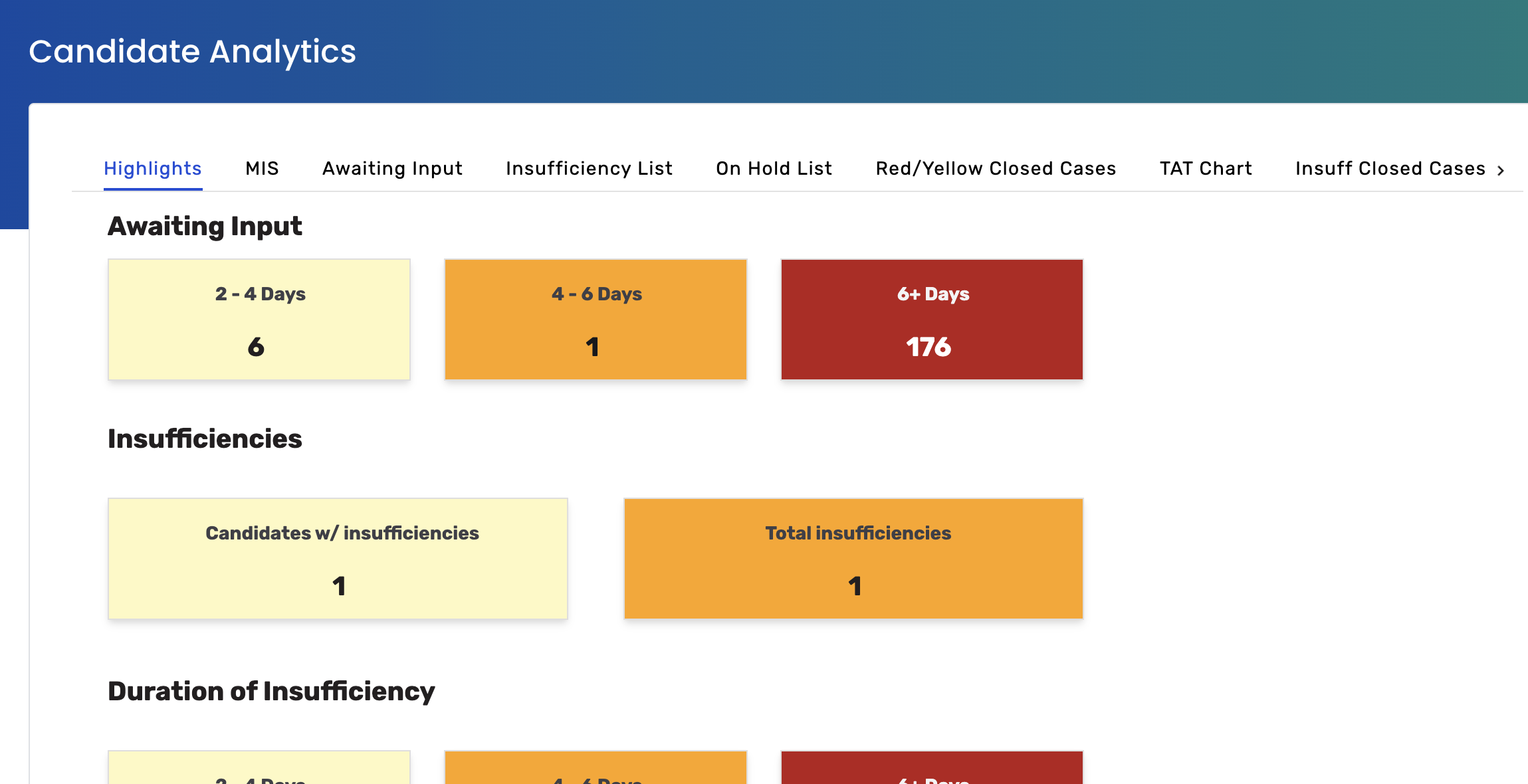
Let's go through each tab
1) Highlights - As the name suggests, this will give you a quick overview of all the metrics for your verification pipeline.
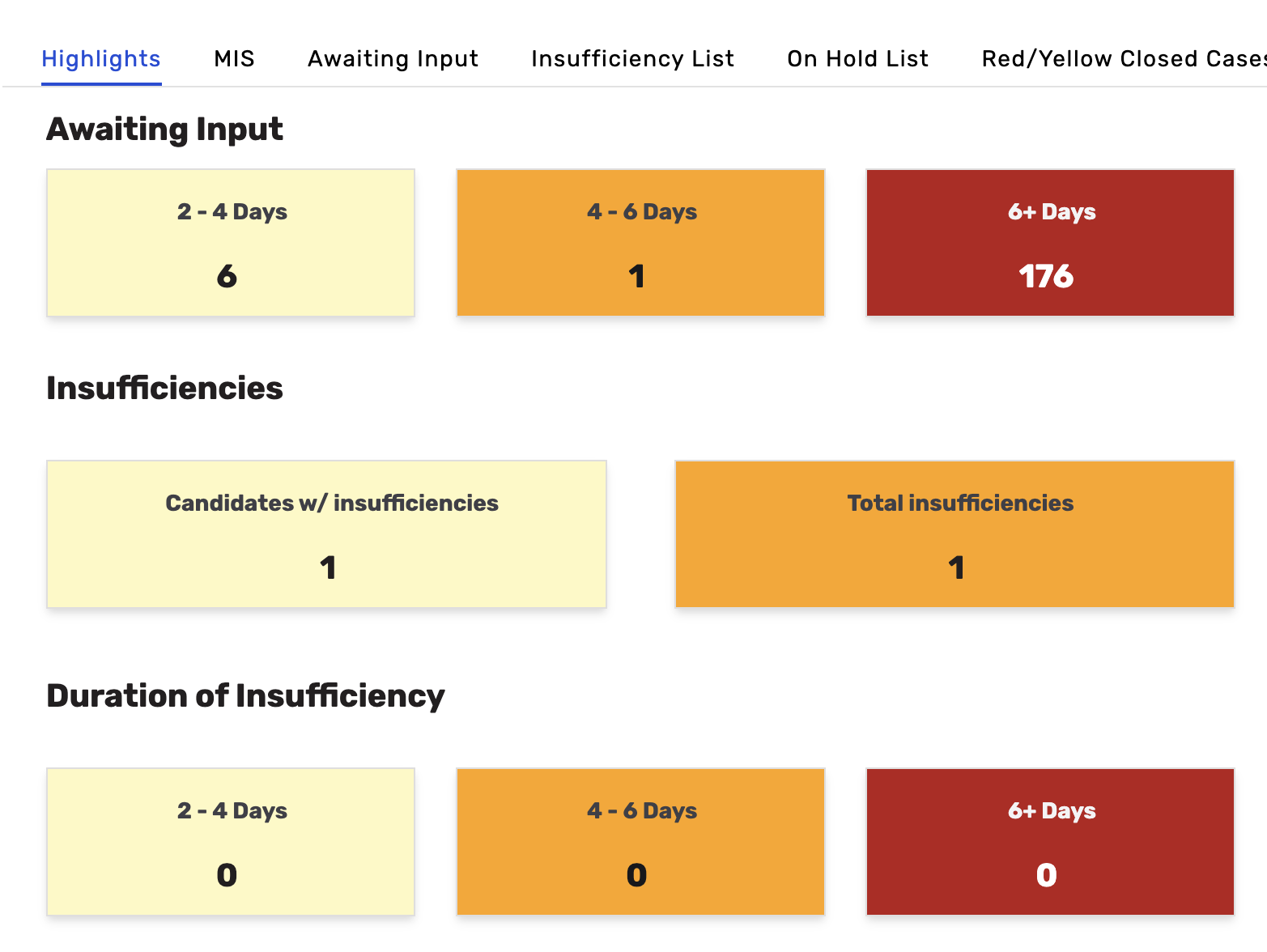
2) MIS - This will show the overall data of all candidates added to date, along with details on the status, TAT, type of checks, etc.
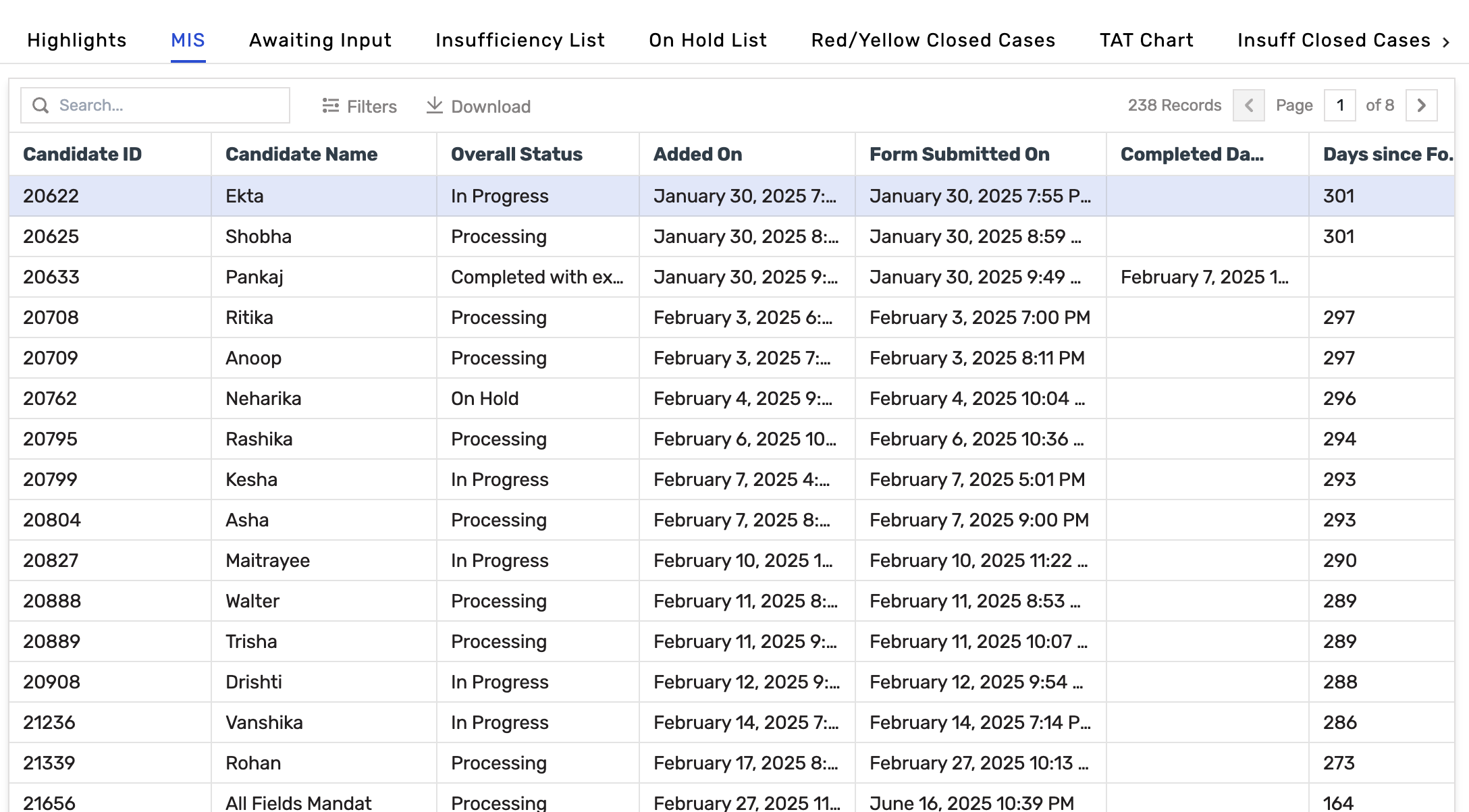
3) Awaiting Input - This gives details of candidates where the form is yet to be filled.

4) Insufficiency List - View a list of cases where the team has marked the case as Insufficiency. You would also be able to see the insufficiency comments.
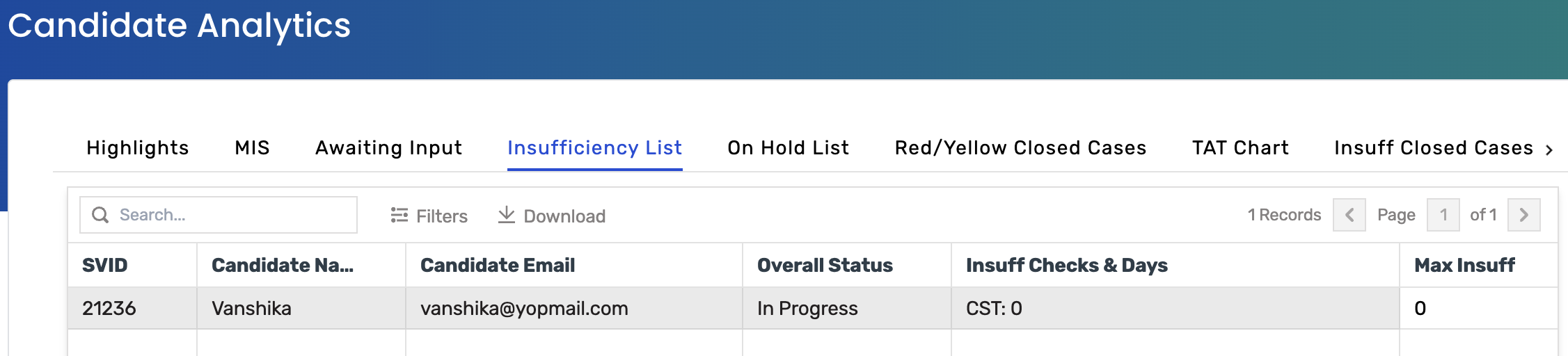
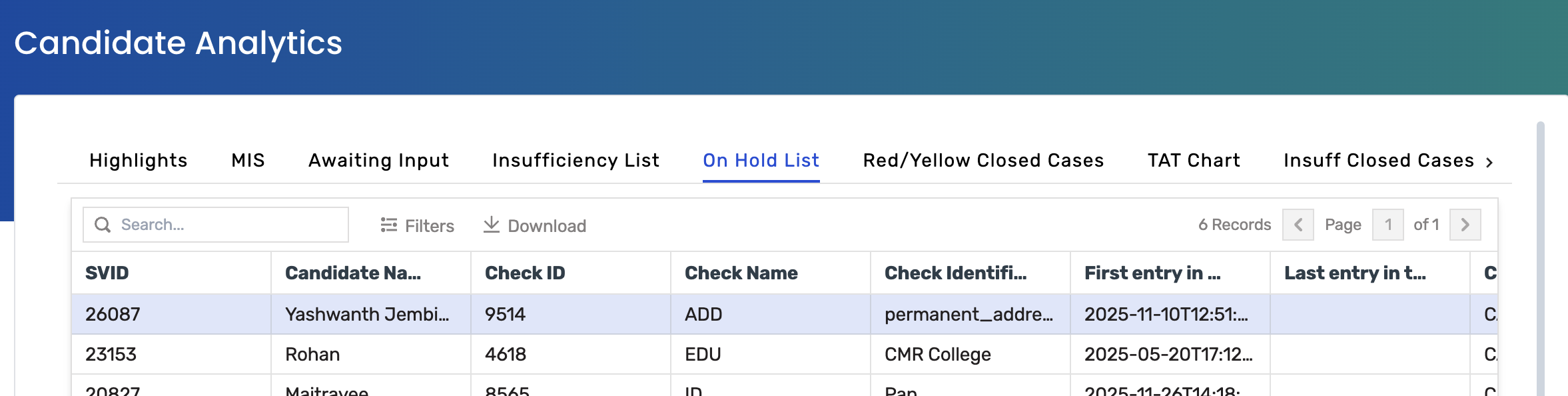
5) On-Hold List - This status is assigned to checks that are temporarily suspended due to missing documents or details.
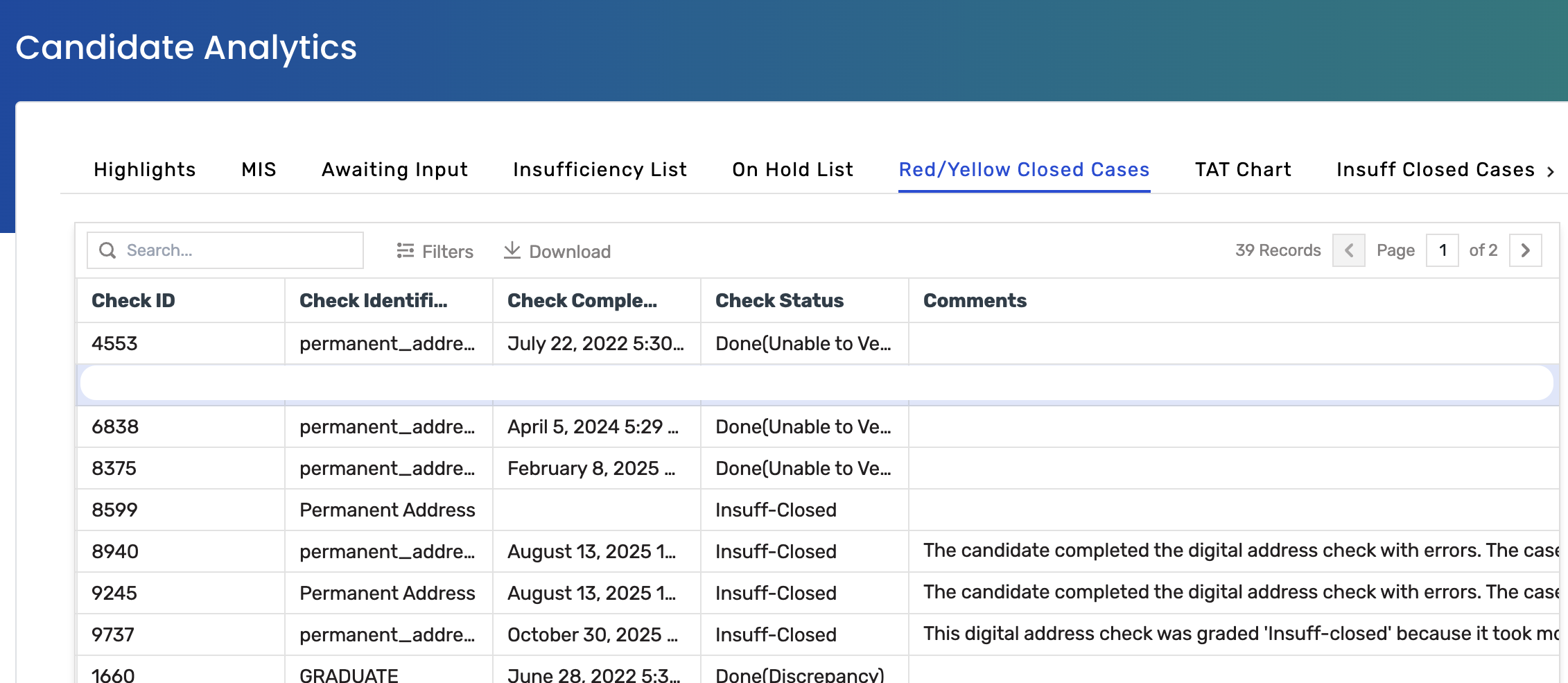
6) Red/Yellow Closed Cases - This status is assigned when the check concludes without a definitive outcome, typically due to a lack of a reliable source or verifier.
7) Insuff Closed Cases - This status is applied when a check is concluded due to unresolved insufficiencies.
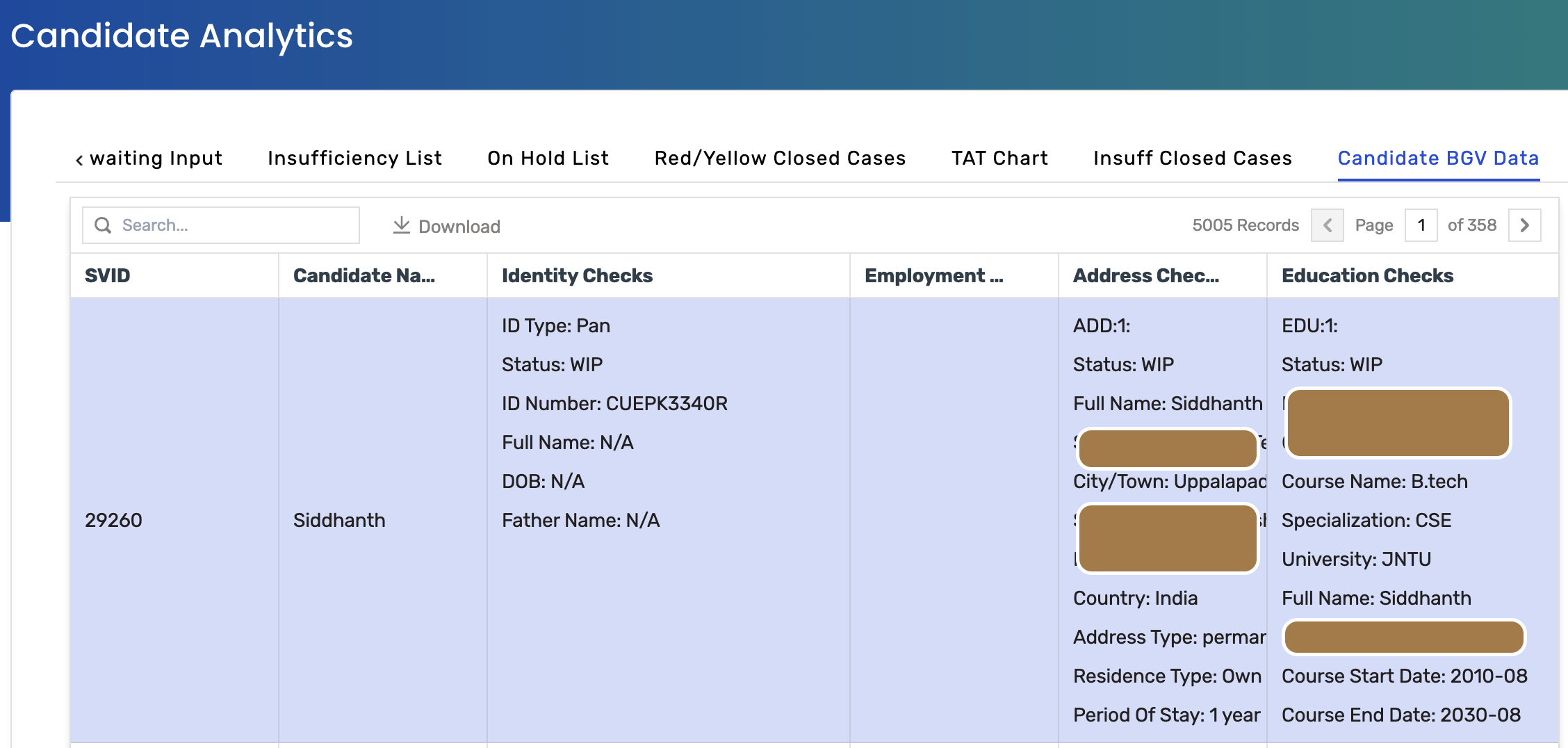
8) Candidate BGV Data - This shows the entire BGV data uploaded/provided for the candidate
Also read, check definitions, and color codes
https://support.springworks.in/portal/en/kb/articles/check-wise-status-definition-and-color-codes
3. This is the page that will open
Let's go through each tab
1) Highlights - As the name suggests, this will give you a quick overview of all the metrics for your verification pipeline.
2) MIS - This will show the overall data of all candidates added to date, along with details on the status, TAT, type of checks, etc.
3) Awaiting Input - This gives details of candidates where the form is yet to be filled.
4) Insufficiency List - View a list of cases where the team has marked the case as Insufficiency. You would also be able to see the insufficiency comments.
5) On-Hold List - This status is assigned to checks that are temporarily suspended due to missing documents or details.
6) Red/Yellow Closed Cases - This status is assigned when the check concludes without a definitive outcome, typically due to a lack of a reliable source or verifier.
7) Insuff Closed Cases - This status is applied when a check is concluded due to unresolved insufficiencies.
8) Candidate BGV Data - This shows the entire BGV data uploaded/provided for the candidate
Also read, check definitions, and color codes
https://support.springworks.in/portal/en/kb/articles/check-wise-status-definition-and-color-codes